
How to Swap Crypto Without Connecting a Wallet
Most DEXs require you to connect a wallet before you can do anything. Chainflip works differently. Just enter your destination address, send funds, and receive your swapped tokens. No extensions, no approvals, no permissions granted.

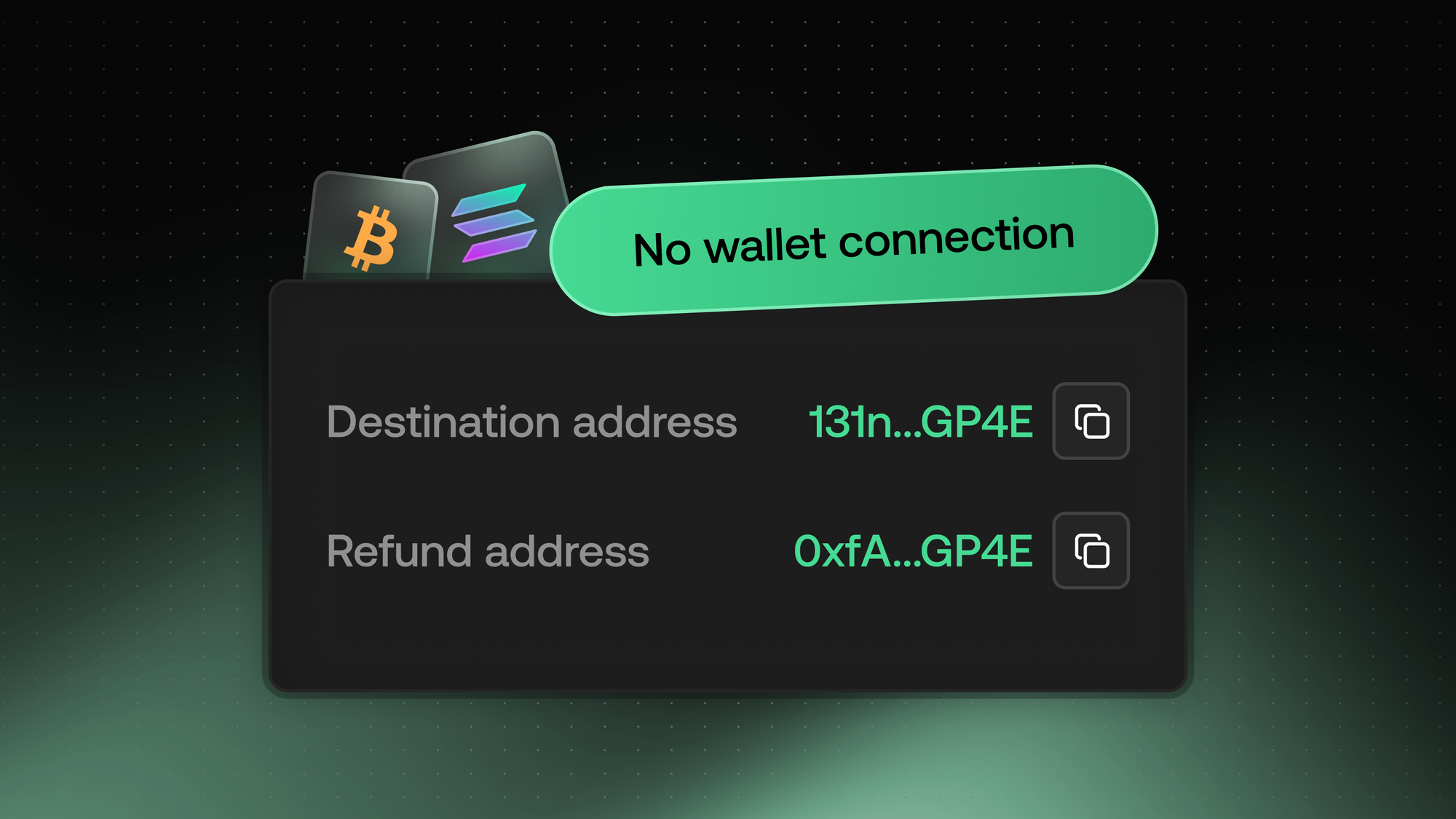
Most decentralized exchanges require you to connect a wallet before you can do anything. You click "Connect Wallet," approve permissions, sign messages, and hope the dApp you're interacting with doesn't have a vulnerability. Chainflip works differently.
With Chainflip's walletless swap flow, you enter a destination address, send funds from any wallet you choose, and receive your swapped tokens. No browser extensions required. No signature prompts. No permissions granted to any dApp.
What Makes a Walletless Swap Different
Traditional DEX swaps follow a predictable pattern. First, you connect your wallet through a browser extension like MetaMask or Phantom. The dApp requests permissions to view your balances. Then you approve token spending, sign the swap transaction, and wait for confirmation.
This flow creates friction and introduces risk. Every wallet connection is a potential attack surface. Every approval you sign could be exploited if the contract has a bug or if you're interacting with a malicious site. Hardware wallet users face extra steps since many devices don't work smoothly with every dApp.
Chainflip eliminates this entire flow. The protocol generates a unique deposit address for your swap. You send funds to that address from whatever wallet you prefer, and your swapped tokens arrive at the destination address you specified. Your wallet never connects to anything.
Step-by-Step: Swapping Without a Wallet Connection
1. Select Your Assets
Go to swap.chainflip.io and choose what you want to swap. For example, you might swap native BTC for SOL, or move USDC from Ethereum to Solana. The interface shows you the current rate and estimated output.
2. Enter Your Destination Address
Paste the address where you want to receive your swapped tokens. This is the only information Chainflip needs from you. No email, no account creation, no wallet connection.
3. Generate a Deposit Address
Click to generate your unique deposit address. This address is created specifically for your swap and is valid for 24 hours. The protocol knows that any funds sent to this address should be swapped according to your parameters.
4. Send Funds From Any Wallet
Copy the deposit address and send your funds from whatever wallet you use. This could be a hardware wallet, a mobile wallet, a desktop wallet, or even an exchange withdrawal. The source doesn't matter.
5. Receive Your Tokens
Once your deposit confirms, Chainflip's validator network executes the swap. Your tokens arrive at your destination address, typically within a few minutes depending on the chains involved. You can track the swap on Chainflip Scan.
Why This Approach Reduces Risk
Every wallet connection is a trust decision. When you connect to a dApp, you're trusting that the site is legitimate, the smart contracts are secure, and no approval you sign will drain your wallet later. High-profile exploits have shown these assumptions don't always hold.
Chainflip's address-based flow removes these trust points entirely. Your wallet never interacts with any frontend or contract directly. You simply send a transaction to an address, the same action you'd take when sending funds to a friend or moving assets to a new wallet.
This design also means there's no approval transaction to worry about. You're not granting any contract permission to spend your tokens. The only transaction is your deposit, and you control exactly how much you send.
Works on Any Device, Any Wallet
Because there's no wallet connection required, you can initiate swaps from anywhere. Use the Chainflip interface on your phone's browser and send from a hardware wallet. Pull up the site on a library computer (not recommended, but technically possible) and send from your mobile wallet. The separation between interface and transaction means ultimate flexibility.
Hardware wallet users benefit especially. Instead of wrestling with browser extensions and compatibility issues, you just need to send a standard transaction. Your Ledger or Trezor handles that without any special configuration.
This is also why native cross-chain swaps on Chainflip work for assets like Bitcoin. There's no "connecting" a Bitcoin wallet to a DEX in any meaningful sense. You just send BTC to an address and receive your destination asset.
Comparing Flows: Walletless vs. Traditional DEX
| Step | Traditional DEX | Chainflip Walletless |
|---|---|---|
| Wallet connection | Required | Not needed |
| Permission requests | Yes | None |
| Token approvals | Often required | Never |
| Signature prompts | Multiple | Zero |
| Hardware wallet support | Limited | Full |
| Browser extension needed | Yes | No |
| Mobile friendly | Varies | Yes |
When You Might Still Use Wallet Connection
Chainflip does support optional wallet connection for users who prefer it. Connecting a wallet can auto-fill addresses and remember your preferences. Some people find it more convenient when doing multiple swaps in a session.
But the key word is optional. The default experience works without any connection, and many users prefer it that way. You get the same rates, the same speed, and the same access to all supported assets whether you connect or not.
Conclusion
Swapping crypto doesn't have to mean granting permissions, signing approvals, or trusting dApp frontends with wallet access. Chainflip's walletless flow strips the process down to its essentials: enter where you want tokens, send funds, receive your swap.
Try it yourself at swap.chainflip.io. Pick any supported pair, generate a deposit address, and send from whatever wallet you trust most.
Resources
- Swap Now - Start swapping native assets
- Lend BTC - Borrow against native Bitcoin
- Blog - Product updates and announcements
- Chainflip Scan - Track swaps and network activity
- Website - Explore Chainflip
Other Chainflip Products:
- Boost - Earn fees by providing single-sided liquidity with no IL risk
- Stablecoin Strategies - Deposit stablecoins and earn optimized yields
- Provide Liquidity - Supply assets to Chainflip's liquidity pools
- Stake FLIP - Delegate FLIP and earn staking rewards
Find us:
FAQ
Do I need to install a browser extension to use Chainflip?
No. Chainflip's walletless swap flow works entirely through deposit addresses. You can use the web interface on any browser and send funds from any wallet without installing extensions or granting permissions.
Is swapping without a wallet connection secure?
Yes. The walletless approach actually reduces attack surface by eliminating permission requests and token approvals. Your wallet never interacts with any frontend or smart contract directly.
Can I use a hardware wallet with Chainflip?
Absolutely. Since you only need to send a standard transaction to a deposit address, any hardware wallet works without compatibility issues or special configuration.
How long is the deposit address valid?
Deposit addresses generated on Chainflip are valid for 24 hours. If you don't complete the deposit within that window, you'll need to generate a new address.
What happens if I send from an exchange instead of a personal wallet?
The swap will still execute. However, sending from exchanges can introduce delays since exchange withdrawals often require additional confirmations. Using a personal wallet gives you more control over timing.